Summary
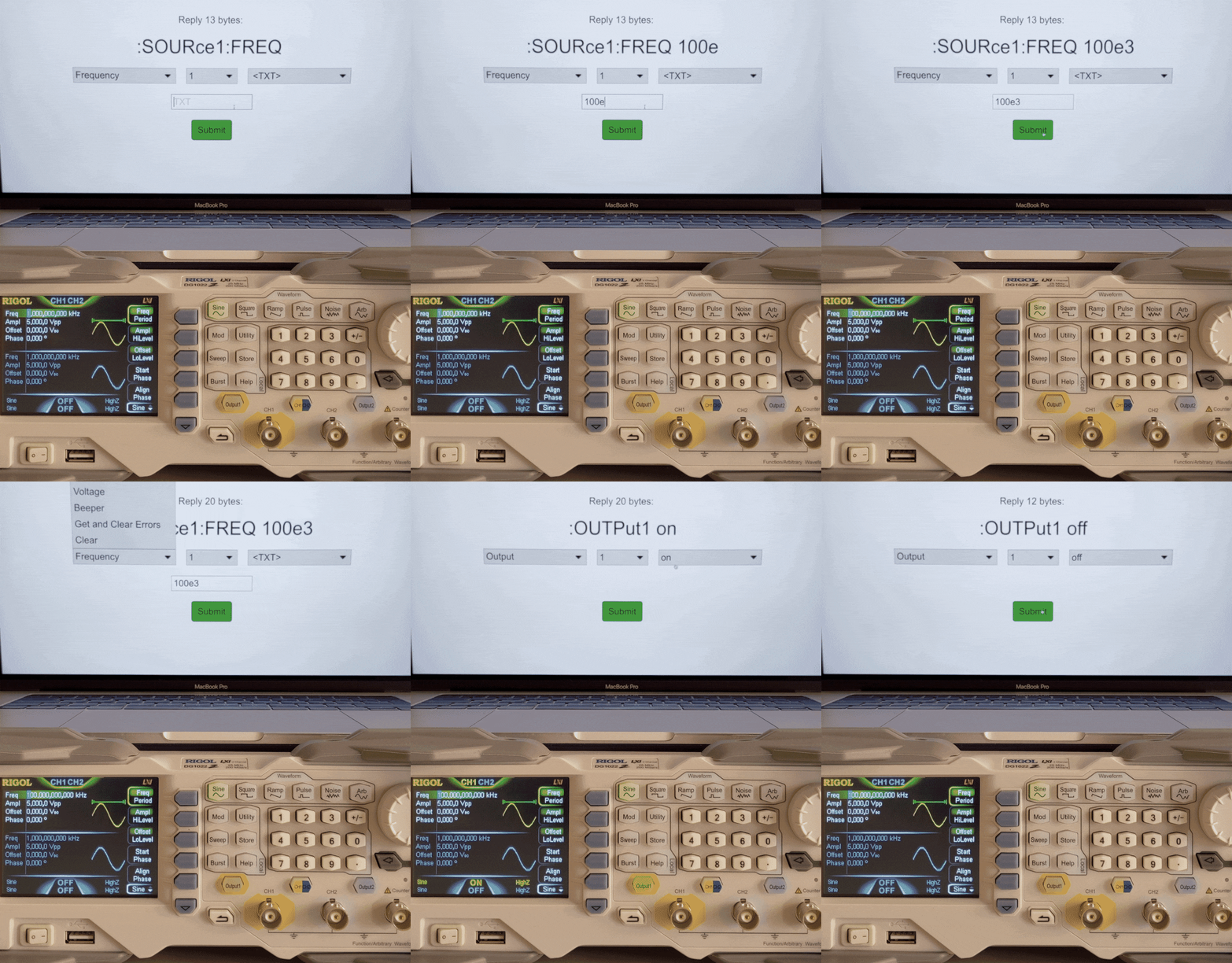
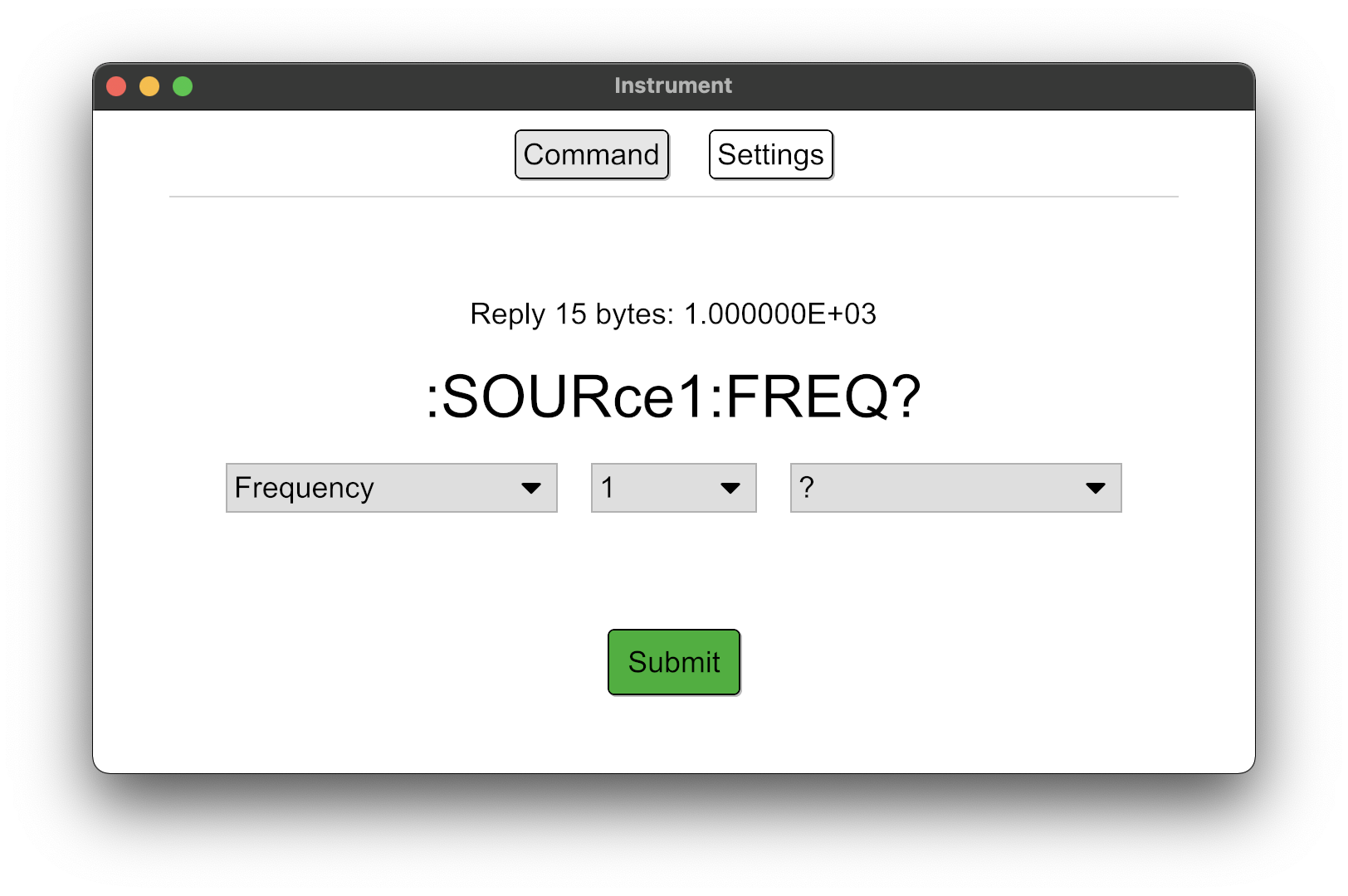
Extensible cross-platform GUI application for controlling lab instruments over the network using SCPI commands. → GitHub
Goals:
- Easily extensible for new devices and new commands
- Cross-platform availability (Linux, Windows, macOS)
- Easy to use
Screenshots

How to send SCPI commands via TCP/IP in Rust
First of all, SCPI commands are no magic like other proprietory protocols or the mere presenceof some vendor tools might suggest – instead they are simple ASCII characters terminated by a newline.
What does that mean for our Rust implementation?
Well, the bytestream to send as an SCPI command over TCP can be defined as simply as
b"OUTput1 on\n", where the leading "b" tells the Rust compiler to treat the
entered characters as bytes, i. e., return a &[u8].
The TcpStream struct by Rust's standard library implements the std:io::Write
trait that incorporates awrite() function – which fortunately accepts a buf:
&[u8] argument. Great!
So our code to turn the output for channel 1 on would look like this:
let mut stream = std::net::TcpStream::connect("10.10.10.10:5555")?;
stream.write(b"OUTput1 on\n")?;
Future work
- Rename some variables to avoid confusion between different usages of the term "command".
- Find a better solution for varying SCPI command structure: Some commands have multiple sub-commands that may or may not require the user to enter a cusom value (like setting frequency)
- Provide a status page that shows the current configuration by performing a selection of queries to the device and presenting the responses in a legible manner.
- Maybe: Make the UI react more flexibly to different configurations (or SCPI command structure). That is, dynamically show or hide – or even generate – UI elements according to the configuration.